Features
Site Kit reports
Each site's Site Kit tab shows its Google Analytics and Search Console figures, so you can check on traffic without logging in anywhere else.
What you see
- Google Analytics: total users, sessions and page views.
- Search Console: clicks, impressions, click-through rate, average position and daily clicks.
- Choose 7, 28 or 90 days, and click Refresh for new figures. Reports are read live from the site and not stored by Sitefar.
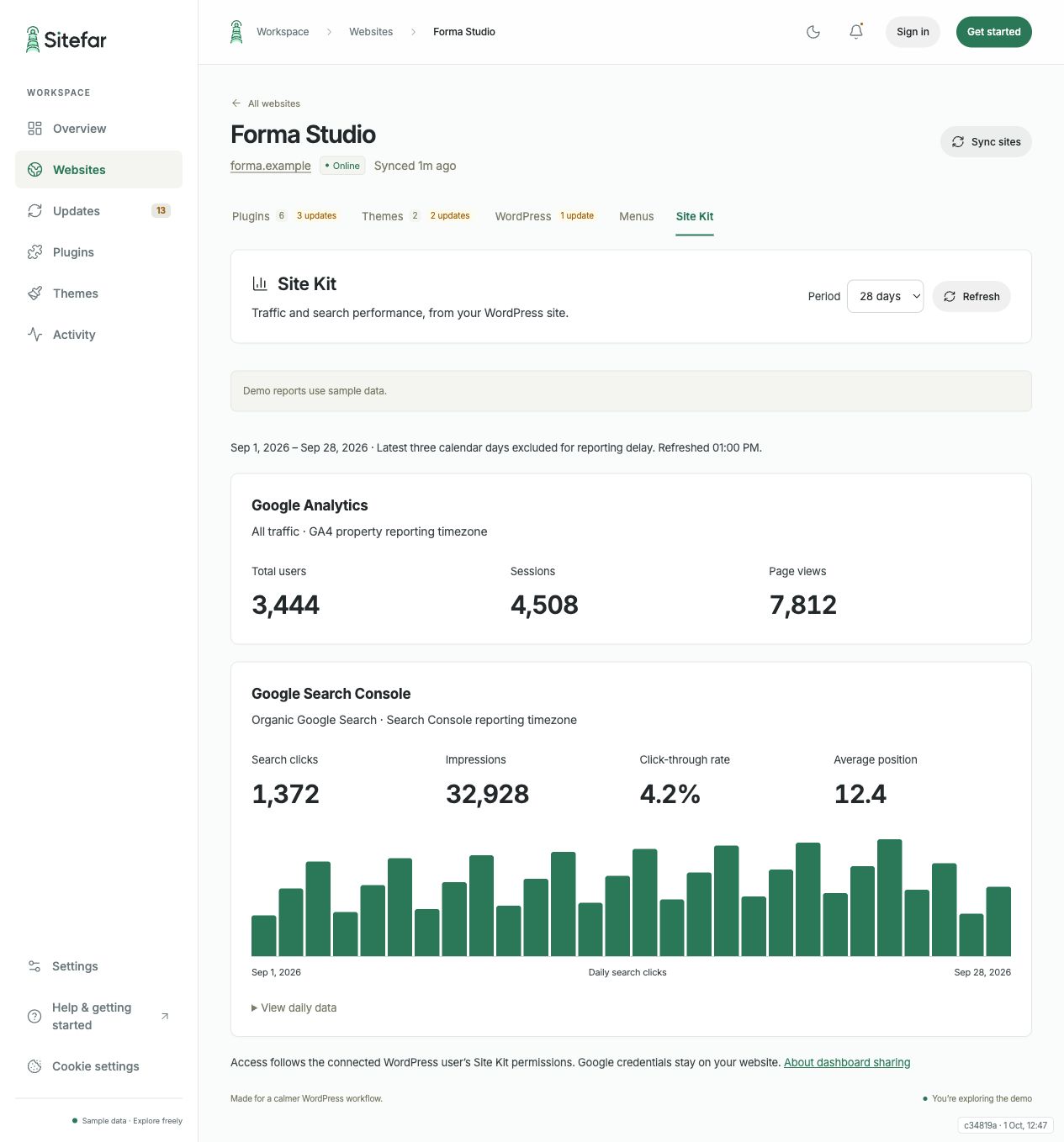 Open full-size screenshot (opens in a new tab)
Set it up
- Make sure the site runs Sitefar Connector 1.4 or later, then sync it.
- Install and activate Site Kit by Google on the site, and connect Analytics and/or Search Console in its WordPress dashboard.
- The WordPress user whose application password Sitefar uses must be allowed to view the reports. Either complete Site Kit's setup as that user, or have the Site Kit owner turn on dashboard sharing for them.
- Open the site's Site Kit tab in Sitefar.
What Sitefar can and can't do with it
Sitefar asks Site Kit for three fixed reports, as the connected WordPress user, using Site Kit's own permission checks. It never sees your Google credentials, can't change Google permissions, and can't request any other data.