Security
Security and your data
Sitefar holds the keys to your WordPress sites, so it's built to need as little trust as possible, and to make access easy to take back.
Your WordPress credentials
- Sitefar connects with an application password, never your WordPress login password, and you can revoke it in WordPress at any time.
- Application passwords are encrypted (AES-256-GCM) before they're stored, tied to your account and that site, and never sent back to the browser.
- Sitefar only connects to public HTTPS addresses, and doesn't follow redirects with your credentials.
What Sitefar can do on a site
Through the connector, and only when you (or an assistant you approved) ask:
- update, undo, activate and deactivate plugins and themes, and update WordPress;
- install plugins from wordpress.org only, and delete inactive ones;
- create and edit navigation menus;
- start UpdraftPlus backups and read Site Kit reports.
It doesn't read or change your posts' content, your users or your settings beyond what these need. Every change is recorded in Activity.
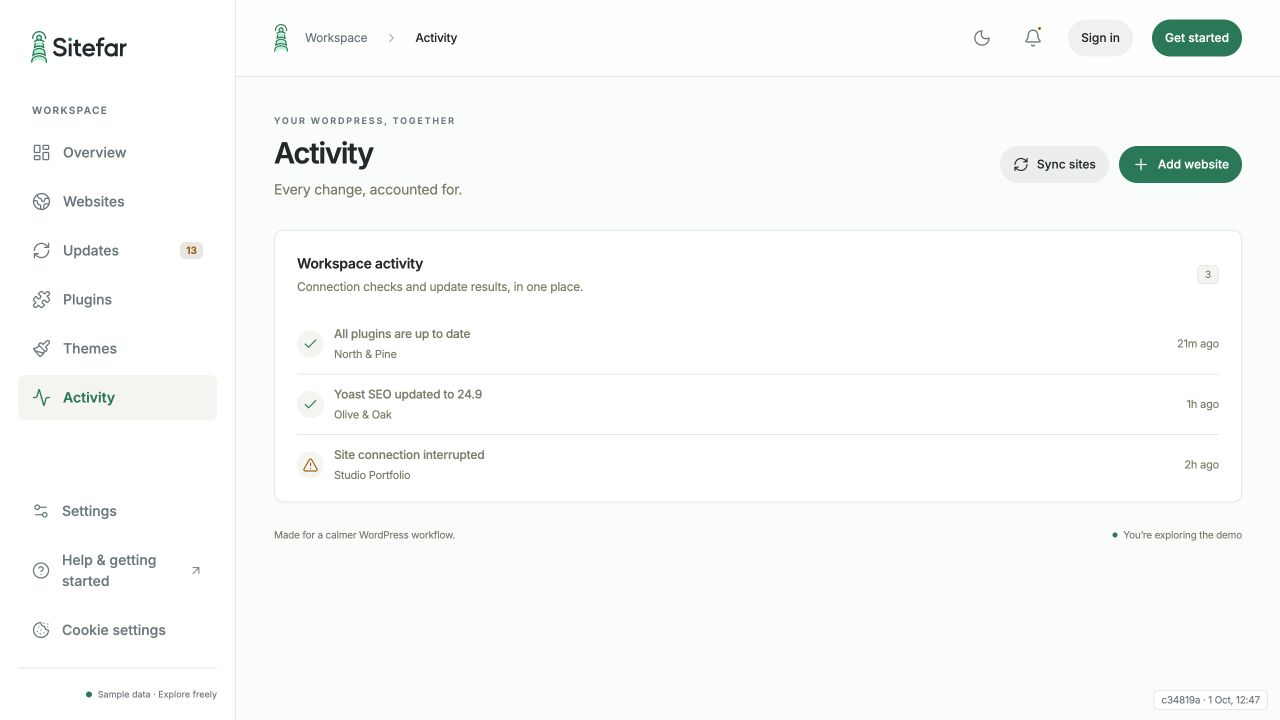 Open full-size screenshot (opens in a new tab)
The connector
Sitefar Connector checks the connected user's WordPress permissions on every request. Its own updates are signed by Sitefar, and the download is checked against the signed fingerprint before it installs, so nobody can push a fake update through it.
Your Sitefar account
- Passwords need at least 12 characters and are checked against known data breaches.
- Turn on two-step verification or a passkey in Settings. We strongly recommend it: your account can change all your sites.
- Sign-in attempts are rate limited, and sessions expire.
Taking access back
- One site: disconnect it in Sitefar, then revoke its application password in WordPress (Users → Profile → Application Passwords).
- An AI assistant or token: revoke it in Settings → Connected apps, or pause all of them in Settings → Agent actions.
- Everything: delete your account in Settings. After you confirm by email, your sites, stored credentials and activity are deleted.